Is it safe to download random number generator software?
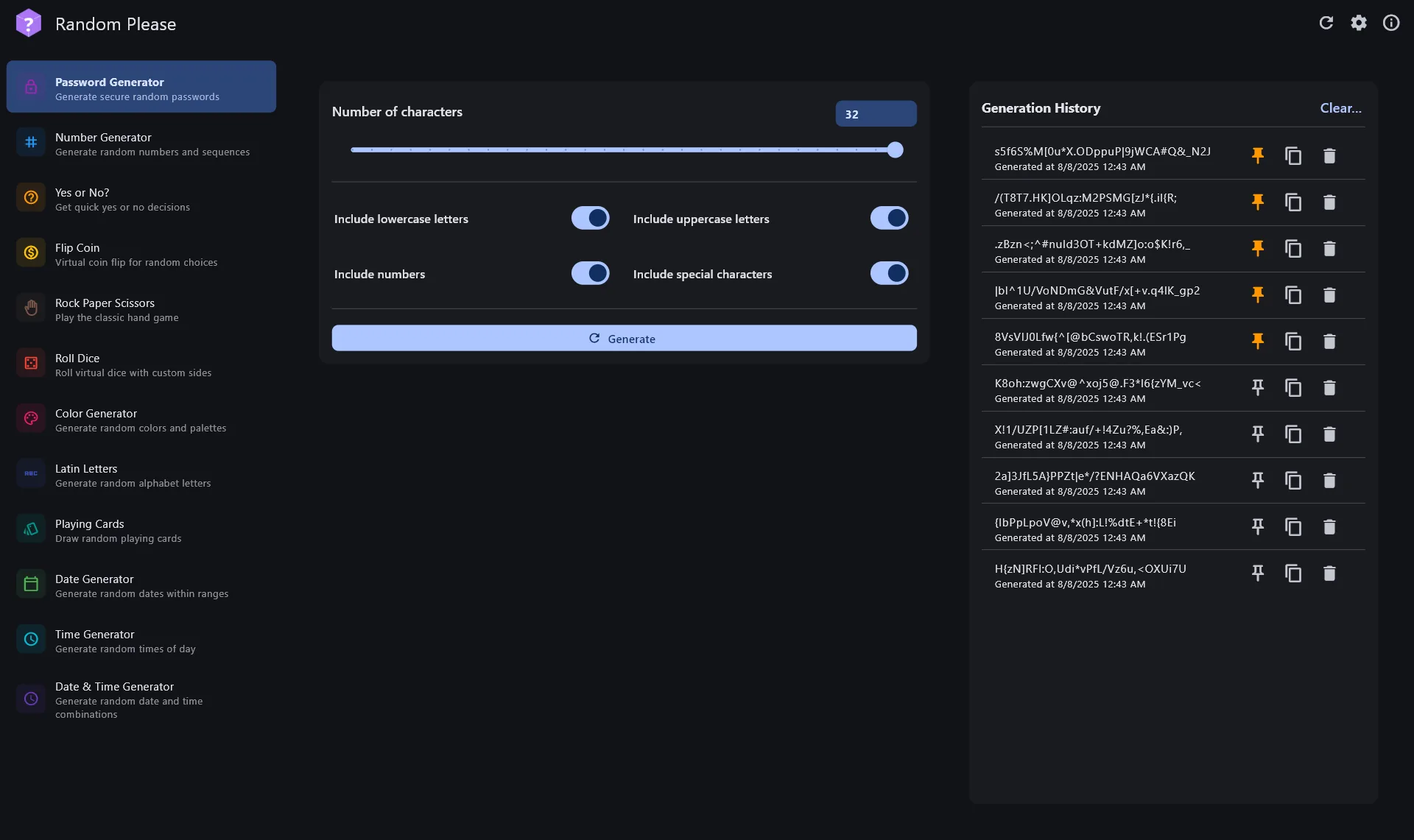
Yes — when you download Random-Please-*-windows-x64-release.7z from the official TrongAJTT/random-please Releases page and extract it yourself. Safety here means verifying the host, the filename, and a first local generation, not trusting a random “random number generator.exe” from a survey site.
Official channels for this guide: GitHub Releases for the Windows .7z, www.trongajtt.com/apps/random-please for project docs, Google Play or the apk asset for Android, and the web demo when you only need a quick check. Everything else that ranks for random number generator is suspect until proven otherwise.
| Channel | Expected host | What you should see |
|---|---|---|
| Windows .7z | github.com/TrongAJTT/random-please | Random-Please-*-windows-x64-release.7z then random_please.exe after extract |
| Project site | www.trongajtt.com/apps/random-please | Docs, screenshots, install notes |
| Android | sideload APK or Releases apk | Random Please Android APK from Releases or Random-Please-*-android-*-release.apk |
| Web demo | www.trongajtt.com/apps/random-please | Browser UI, no Windows binary |
Red flags on random number generator downloads
- Sites that demand a survey before a “random number generator” download
- Executables named differently from random_please.exe after extract
- Invented winget ids — none were found for Random Please
- macOS “official” builds — upstream says macOS is unsupported
- Installers that bundle toolbars or change your homepage
Verify a file by matching the name on the live Releases list, checking the size order of magnitude, and confirming random_please.exe launches beside its data folder. Hash files were not attached on the reviewed tag; do not invent checksums. The Windows .7z on v1.0.3 was about thirteen megabytes on the research date; treat huge multi-hundred-megabyte mystery setups as wrong doors.
- Prefer Random-Please-*-windows-x64-release.7z from Releases.
- Extract before random_please.exe.
Windows may show SmartScreen on first launch of an uncommon portable. Confirm the path still points at your extracted folder from GitHub. Do not download a “SmartScreen helper” from a blog to silence the warning for this random number generator client. If the warning cites an unexpected publisher path, stop and re-fetch the .7z.
Browser online random tools are fine as a fallback, yet they are not a substitute for verifying a desktop binary. Keep ads in the browser; keep Random Please on disk when you want offline random number generator work with generator lists that do not depend on a search page.
Checkpoint: host is github.com/TrongAJTT/random-please, file is Random-Please-*-windows-x64-release.7z, and one minimum→maximum generation works offline afterward.
What research could not prove
Winget and Homebrew packages were not found. Full GUI behaviour on a real Windows machine and SmartScreen exact wording remain UNVERIFIED in this review pass. Android sideload behaviour is UNVERIFIED here. Linux Flutter source build builds were not run on the review host. Those gaps stay documented instead of inventing commands for the Install panel.
- Prefer Random-Please-*-windows-x64-release.7z from Releases.
- Extract before random_please.exe.
Related: releases, is Random Please safe, Windows install, random number generator home.
Desk teams that share a single random number generator habit should write the GitHub Releases URL into the onboarding note beside the Windows version. Prefer Random-Please-*-windows-x64-release.7z on every modern 64-bit Windows desk and skip inventing winget ids that do not exist.
When a download fails mid-flight, delete the partial zip and start again from TrongAJTT/random-please Releases. Partial extracts leave random_please.exe without its Flutter data tree and waste an afternoon of debugging for a simple random number generator job.
- Prefer Random-Please-*-windows-x64-release.7z from Releases.
- Extract before random_please.exe.
If IT requires signed installers, escalate early. Random Please ships a portable zip; signing status was not treated as guaranteed in research. Document risk acceptance instead of swapping in an unrelated store app while still calling it random number generator.
Support volunteers should ask which filename was downloaded and which URL showed in the address bar. Those two answers separate Random Please from portal packages that only rank for random number generator.
- Prefer Random-Please-*-windows-x64-release.7z from Releases.
- Extract before random_please.exe.
Re-check the live asset list whenever a new v* tag appears before you image a lab. Saying “current Random Please release” in paperwork beats inventing a dotted version that drifts from GitHub. Keep one folder path per machine so uninstall stays a delete, not a scavenger hunt.
Teach the safe habit
Paste the Releases URL into chat instead of the phrase random number generator alone. Search boxes invite portals. Named URLs keep Random Please downloads boring. Re-check the asset list whenever a new v* tag appears before you image a lab.
If a friend already installed a mystery generator, uninstall that program through Windows Settings when it registered an uninstaller, or delete the folder if it was a loose exe, then start over with Random-Please-*-windows-x64-release.7z. Do not layer two tools that both claim random number generator.
- Prefer Random-Please-*-windows-x64-release.7z from Releases.
- Extract before random_please.exe.
For Android phones, prefer Google Play when policy allows, or the matching Random-Please-*-android-*-release.apk from the same GitHub tag. Do not mix random APK mirrors into a Windows desk conversation about random number generator. Keep each platform on its documented door.
Frequently asked questions
How do I install a local random number generator tool on Windows?
Download Random-Please-*-windows-x64-release.7z from TrongAJTT/random-please Releases, extract every file into an empty folder, then run random_please.exe. No winget package id was found on the research date, so keep Releases as the Windows door for this random number generator path.
Where should I download random number generator software?
Prefer the official GitHub Releases page for TrongAJTT/random-please and confirm the host is github.com before you save Random-Please-*-windows-x64-release.7z. Skip survey portals that rename a setup only to rank for random number generator searches.
Is this random number generator software free?
Yes. Random Please is free under GPL-3.0 with no paywall on the Windows .7z. Browser ads on unrelated calculator pages stay separate from that licence for a local random number generator habit on your desk.
Can Random Please do more than random number generator?
Yes. Random Please can combine many unit types, yet this guide keeps the keyword and H1 lead on random number generator. Use integer ranges first, then explore other units after the Windows folder works offline.
Does the desktop random number generator client need the internet after install?
After the first download and extract, random_please.exe can generate offline because unit data ships in the .7z. You still need network for the initial fetch from GitHub Releases and for later version bumps.